
First of all I have opened the Gmail app and I have logged in, then I have followed the following steps:
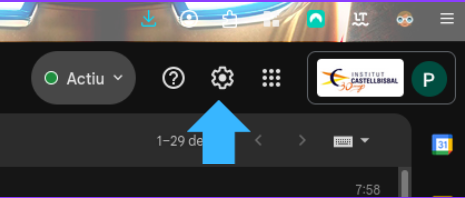
I entered the snail of “Configuration” that is at the top.
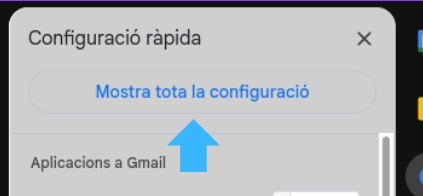
Then I entered “Show all setting”
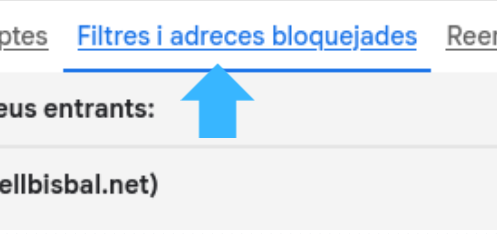
I appear in the “General” section and I have to go to what says “Filters and blocked addresses”.
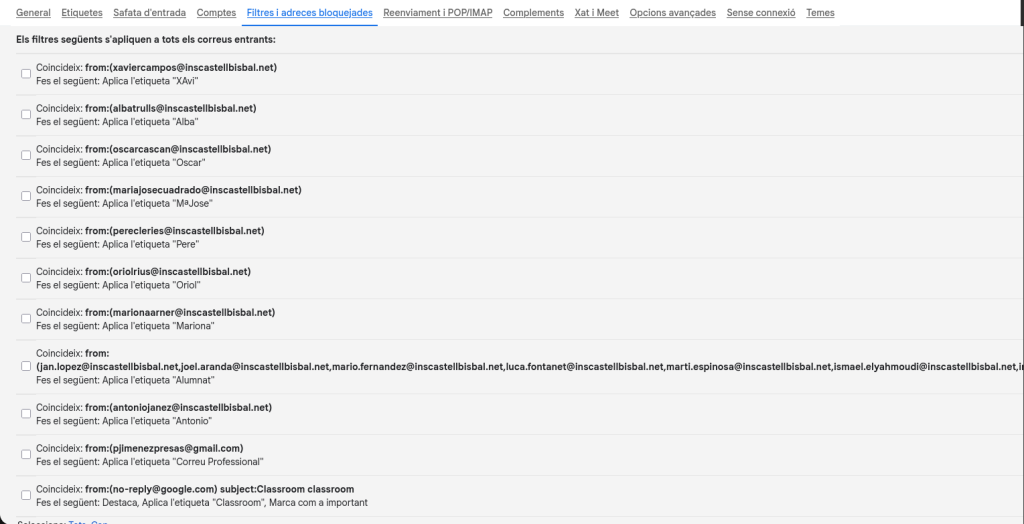
There we will find a button that will allow me to create up to 1000 filters, which I can say of doing many things, to create it I have to put the mail of who we want to redirect the sent emails and where, in this case I have said that the emails of my professor Antonio go to the label with his name, so that all his emails appear there.
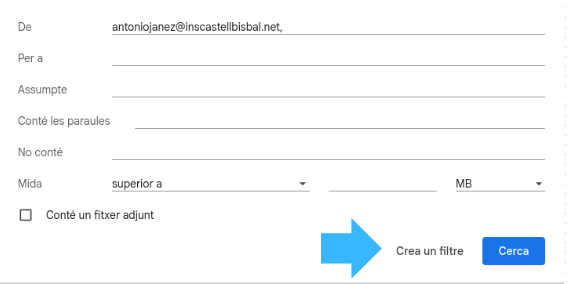
In my case, I have created a filter for each teacher, one for my classmates, one for all classroom notifications and one for my professional email, all of them without the option to remove from the inbox.
Deixa un comentari